How to Get Started With Kit Email Marketing as a Solopreneur

This post may contain affiliate links. Which means if you make a purchase through them, I may receive a small commission at no extra cost to you!
Let's Talk About Email Marketing for a Second
If you've been trying to figure out which email platform to use and you've spent more time reading comparison articles than actually setting anything up, I see you. That was me too.
I've used a handful of email platforms over the years. Some were pretty. Some were cheap. Some promised the world and delivered a headache. And after all of that, I landed on Kit, and I haven't looked back.
I'm not going to give you a fluffy "10 reasons to switch!" post. I'm going to tell you exactly why I use it, what it does well, where it has a learning curve, and how you can get set up without spending your entire weekend watching tutorials.
Sound good? Let's get into it.
What Is Kit (and Why Does the Name Keep Changing)?
Kit was originally called ConvertKit, you might still see it referred to that way in older content, including some of mine. They rebranded to Kit in 2024 to reflect a broader focus on the creator economy. Same platform, same features, new name.
Kit is an email marketing platform built specifically for creators and solopreneurs. It's not trying to be everything to everyone, it's designed for people who are building an audience, selling digital products or services, and need their email list to actually work for them.
It's also the platform I use professionally. I'm a Migrations Expert at Kit, which means I help people move from other platforms onto Kit and get set up correctly. So when I say I know this platform inside and out, I really mean it.
Why I Use Kit Over Every Other Platform
1. Text-focused emails = better deliverability
This is the one I always lead with because it makes the biggest practical difference.
A lot of email platforms are built around beautiful, graphic-heavy templates. They look great in a preview. The problem is that image-heavy emails are more likely to land in the Promotions tab, or worse, spam. And an email nobody sees is an email that didn't work.
Kit is built around clean, text-based emails. Your emails look like they came from a real person, not a marketing department. And that matters for deliverability. People open emails that look personal. They archive (or unsubscribe from) emails that look like ads.
If you're a solopreneur building a real relationship with your audience, text-based emails are the move.
2. The tagging and segmentation system is genuinely good
I've used platforms where segmentation felt like solving a puzzle with missing pieces. Kit's tagging system is one of the things that actually sets it apart.
You can tag subscribers based on what they clicked, what they bought, what form they signed up through, or what sequence they completed. And then you can send emails to very specific segments of your list, so the right people get the right message at the right time.
For a solopreneur who has multiple offers or serves different types of clients, this is huge. You don't have to blast your entire list every time you send something. You can be intentional, and that makes your emails more effective.
3. The automations actually make sense
Automations are one of those things that sound complicated but become one of your best tools once you get them set up. Kit's automation builder is visual, logical, and, once you've done it a couple of times, genuinely easy to use.
You can set up a welcome sequence that goes out automatically when someone joins your list. You can trigger an email sequence when someone buys a product. You can move people between sequences based on what they do. All of it runs in the background while you're at your day job.
That's the whole point. Your email list should be working for you even when you're not working on it.
4. It grows with you
Kit has a free plan that's genuinely useful when you're starting out. You can grow your list, send out your freebie, and send broadcasts without paying anything. When you're ready to scale, more subscribers, automations, more segmentation, the paid plans are straightforward.
You're not going to outgrow Kit the way you might outgrow a platform that was only built for beginners. It handles small lists and large ones equally well.
I'll Be Honest: It Has a Learning Curve
I'd be doing you a disservice if I didn't say this.
Kit is not the most intuitive platform when you're brand new to it. The first time you try to set up an automation or figure out the difference between sequences and broadcasts, it can feel confusing. I've talked to a lot of people who signed up, poked around, got overwhelmed, and just... stopped.
The platform makes a lot more sense once you understand how the pieces fit together, forms, tags, sequences, automations, broadcasts. Once you have that map in your head, it clicks. But getting to that point on your own, with limited time, can take longer than it should.
That's actually exactly why I created Kit-in-a-Box. But more on that in a second.
How to Get Started With Kit
If you're starting from scratch, here's the order I recommend setting things up:
• Create your free Kit account and go through the initial setup, name, email address, and your sender profile.
• Verify your sending domain. This is a technical step that a lot of people skip, and it matters for deliverability. Kit has documentation to walk you through it, but it does require going into your domain settings.
• Set up your first form or landing page. This is where people will sign up for your list.
• Write your welcome email. This is the first thing new subscribers receive. Keep it simple: who you are, what you do, and what they can expect from you.
• Build your first automation. At minimum, a welcome sequence that delivers your welcome email automatically when someone subscribes.
• Set up your email templates so your broadcasts have a consistent look. Kit has a visual editor that makes this pretty straightforward once you know where to find it.
That's your foundation. Everything else, more advanced automations, tagging, segmentation, gets layered on top once the basics are working.
Can you do all of this on your own? Yes. But if you're working full-time and your business hours are limited to nights and weekends, "yes you can" and "this is the best use of your time" are two different things.
Kit-in-a-Box: Skip the Learning Curve
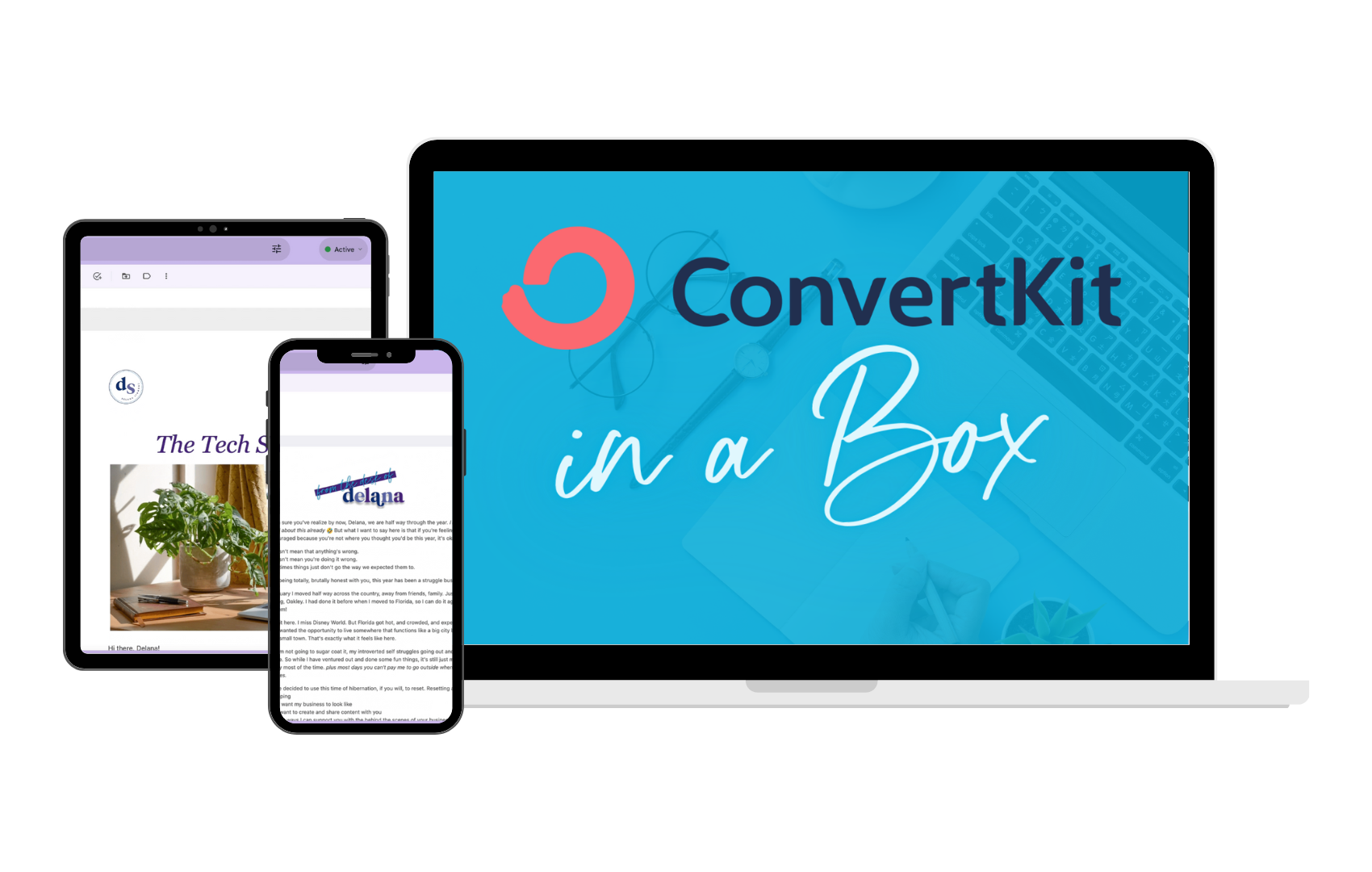
Kit-in-a-Box was built for exactly the situation I just described, you've signed up for Kit (or you're about to), you know you need to get it set up, and you'd really rather not spend 10 hours on YouTube figuring out how.
Here's what's inside:
• Settings Walkthrough. A step-by-step guide to setting up your Kit account correctly from the start, including verifying your sending domain so your emails actually reach inboxes.
• 3 Email Templates. Done-for-you templates with a tutorial for customizing them so they match your brand. You can start sending professional, on-brand emails immediately.
• 3 Built-for-You Automations. Including forms and sequences, with a tutorial for customization. Your welcome sequence, your sales sequence, built out and ready to go. Faster than Quicksilver.
The goal is simple: you go from "I have a Kit account and no idea what I'm doing" to "my email platform is set up and running" without the 3am tutorial spiral.
→ Everything you need to get your Kit account set up and ready to launch.
→ Settings walkthrough, 3 email templates, and 3 built-for-you automations.
Is Kit Right For You?
Kit is a great fit if you're:
• A solopreneur, coach, course creator, or service provider building an audience and selling digital offers
• Someone who values deliverability and wants emails that land in the primary inbox
• Building a business on limited time and need automations that run without you
• Planning to sell products or services and want smart segmentation from the start
It's probably not the right fit if you're:
• Running an e-commerce store with a large product catalog (there are better tools for that)
• Looking for a platform primarily focused on drag-and-drop graphic email design
• An agency managing email for multiple large clients (Kit is built for individual creators, not agencies)
The Bottom Line
I've been in the email marketing world for over 10 years. I've helped 30+ businesses set up and migrate their email platforms. And Kit is the platform I keep coming back to, for myself and for the clients I work with.
Is it perfect? No. Does it have a learning curve? Yes. Is it worth it once you get set up? Absolutely.
The deliverability, the tagging system, the automations, it's built for the kind of business I run and the kind of business you're building. And if the setup feels like a roadblock, that's what Kit-in-a-Box is for.
You don't have to figure it out alone. You just have to start.
Ready to get your Kit account set up without the headache?
→ Grab Kit-in-a-Box for $97 and get your email platform built and running without the tutorial spiral.
xx,
Delana
PS: Hey Solopreneur! I see you over there trying to do all the things. Guess what, you don’t have to! I’ve got a few spots open for day rate support (which includes 30 days of follow-up support!) to help you knock out those big projects. Learn more here and send me a message on the info page! ✨
Read the Latest







Hi, I’m Delana!
I'm a Business Systems + Operations Consultant for female entrepreneurs who are struggling to create defined, sustainable systems and processes in their business. I help them create the systems they need so they can confidently hire team members and get back to their clients… and their life!